
Last Updated on February 27, 2026
Get ready to turn your space into a summer-ready gaming hangout that matches your style and energy. Whether you want a chill spot for friends, a bright setup for solo sessions, or a loud center for party nights, this guide shows ways to boost comfort, tech, and vibe without wasting time.
You’ll find practical ideas to level up your man cave for summer fun, from cool lighting and better sound to comfy seating and easy snack setup.
1) Install a full-size retro arcade machine
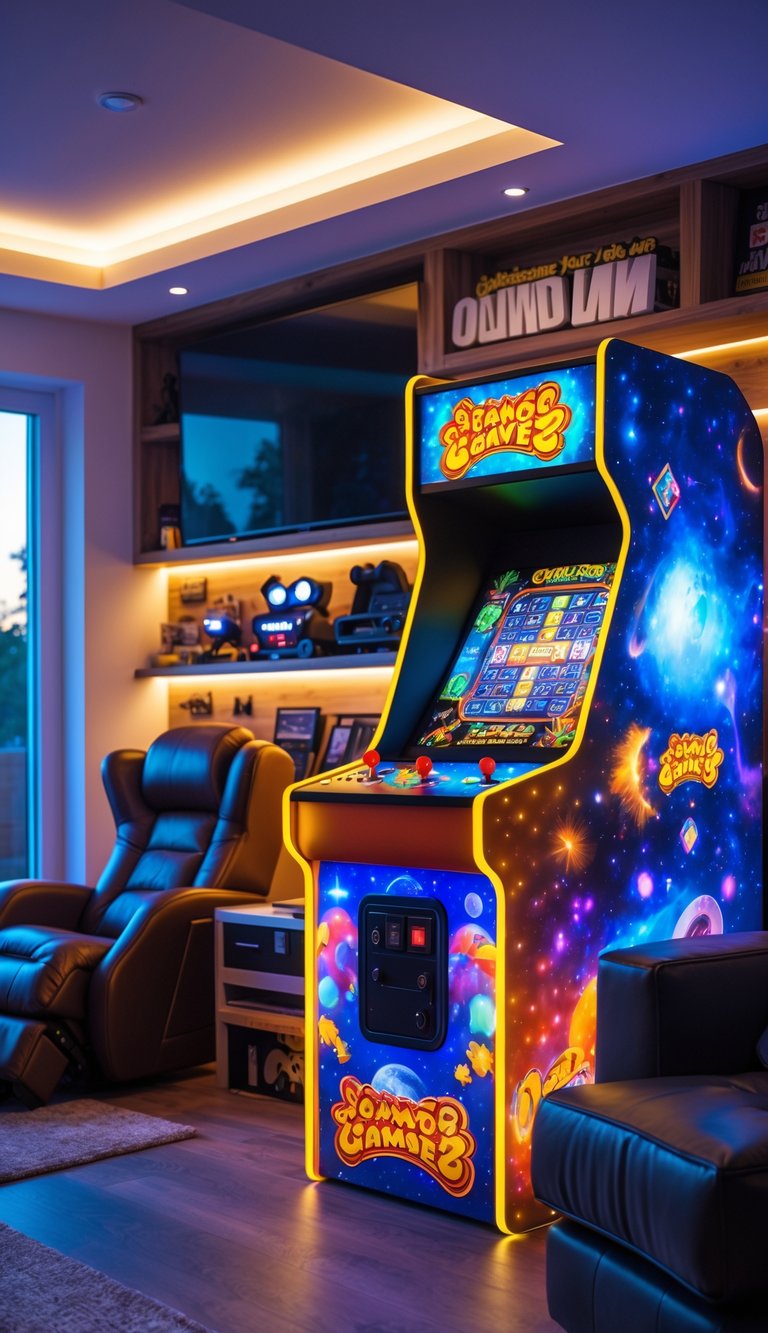
A full-size retro arcade machine becomes a bold focal point for your man cave. You get authentic controls, big-screen play, and that classic cabinet look that sparks nostalgia.
These machines come in a range of prices from budget used units to high-end custom builds. Think about space and power needs before you buy so the cabinet fits and works safely in your room.
Place the arcade near seating and good lighting for long play sessions. Add a small shelf or hooks for controllers, drink holders, and game manuals to keep things tidy.
PRO TIP
Look for multicade or MAME-capable cabinets to play many games without swapping boards.
2) Add RGB LED strip lighting around the room
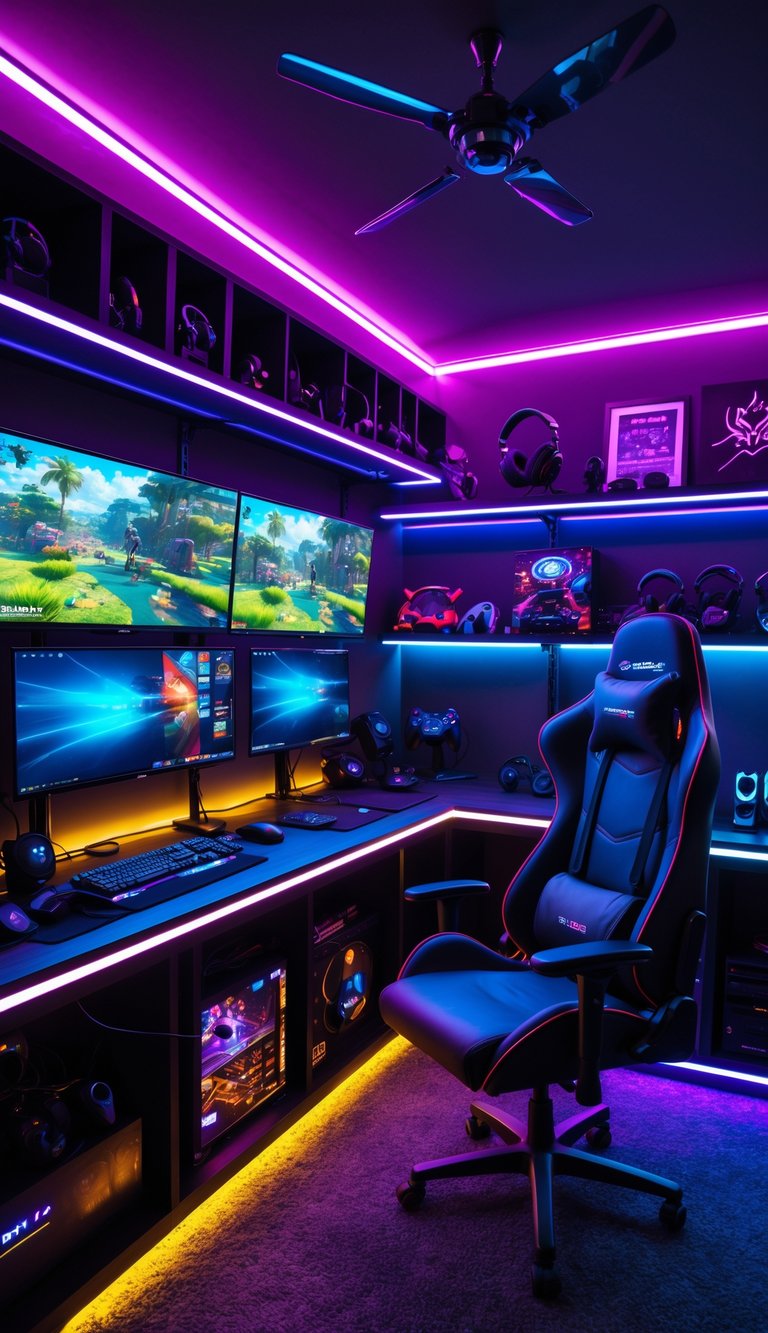
Placing RGB LED strips along ceilings, behind TVs, and under shelves gives your man cave a fun, modern look. You can change colors to match games, movies, or your mood without rewiring anything.
Use strips with a remote or app control so you switch colors and effects fast. Sync them to your PC or console for lights that react to in-game action and music.
Keep strips on adhesive channels or aluminum profiles for neat lines and better heat spread. Measure twice, cut once, and test each section before sticking it down to avoid gaps.
PRO TIP
Run strips along molding or behind furniture to hide wires. That keeps the room tidy and the lighting sharp.
3) Set up a high-performance gaming PC corner
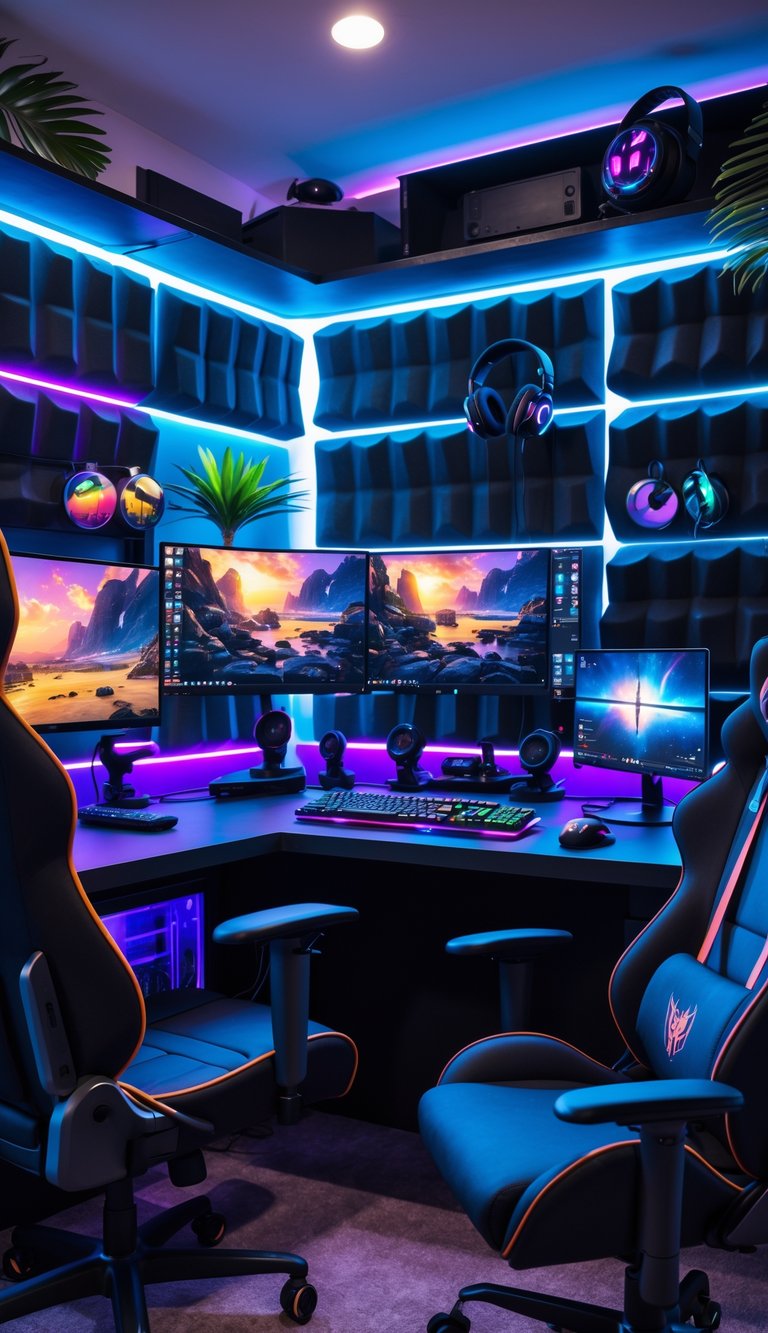
Place your PC in a dedicated corner to save space and create a focused play area. Use an L-desk or a compact corner desk so your tower, monitor, and peripherals fit without crowding the room.
Choose a chair with good lumbar support and set monitor height at eye level. Proper ergonomics reduce strain during long summer sessions.
Keep cables tidy with clips and a surge protector to protect gear from power spikes. Add sound-absorbing panels or a rug to cut echo and improve audio clarity.
Add a few personal touches like LED accents or themed art to make the corner feel like yours. Small upgrades, like a quality mouse and headset, make a big difference in comfort and performance.
PRO TIP
Position the PC intake away from direct sunlight and allow 2–3 inches clearance for airflow to keep temps low.
4) Include a multi-monitor setup for immersive gameplay
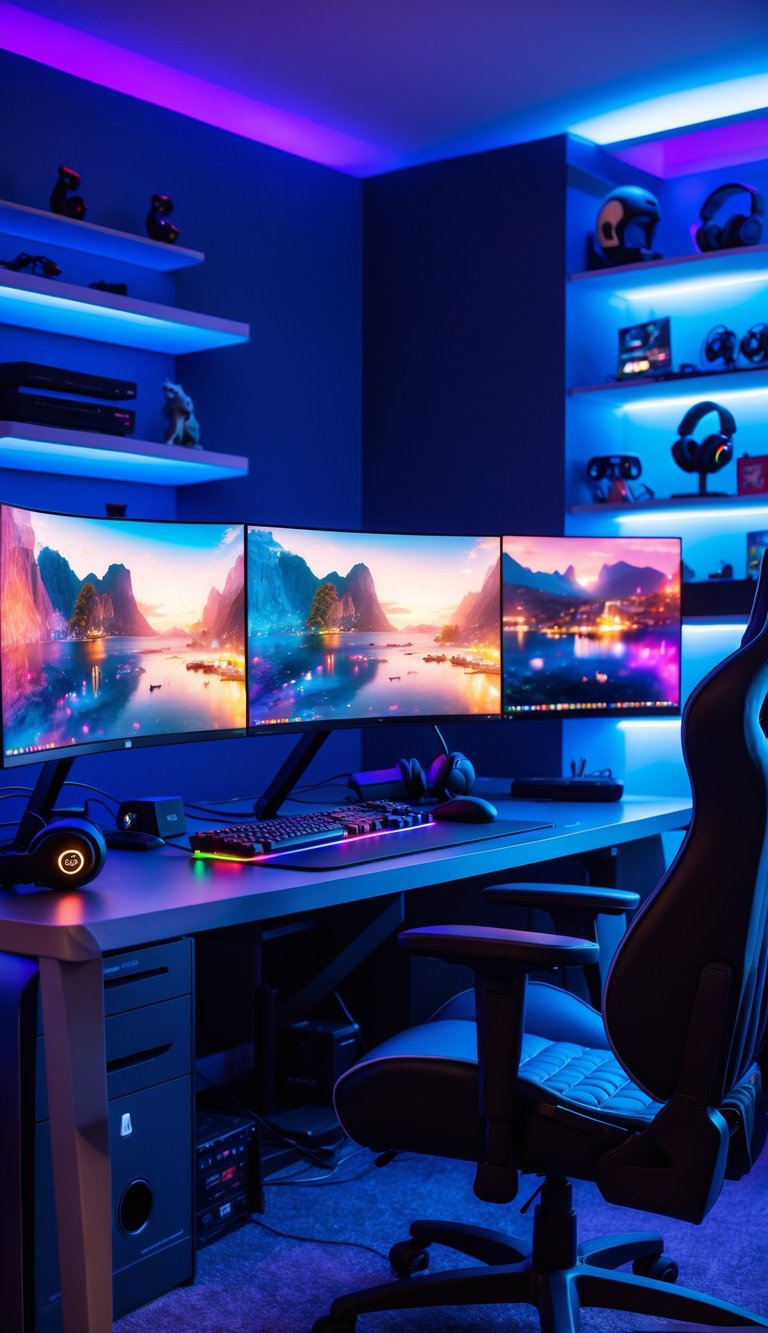
Adding two or three monitors makes games feel bigger and helps you spot details at the edges of the screen. You can play on the center monitor and use the side screens for maps, chat, or streaming tools.
Choose monitors with similar size and resolution so images line up well. Match refresh rates when you can to reduce stutter and keep gameplay smooth.
Arrange monitors on adjustable arms to save desk space and find the best viewing angle. Keep cables tidy with clips or a channel to make the area cleaner and cooler.
PRO TIP
If you stream or run apps while gaming, put those on a side monitor so your main screen stays distraction-free.
5) Get a reclining ergonomic gaming chair
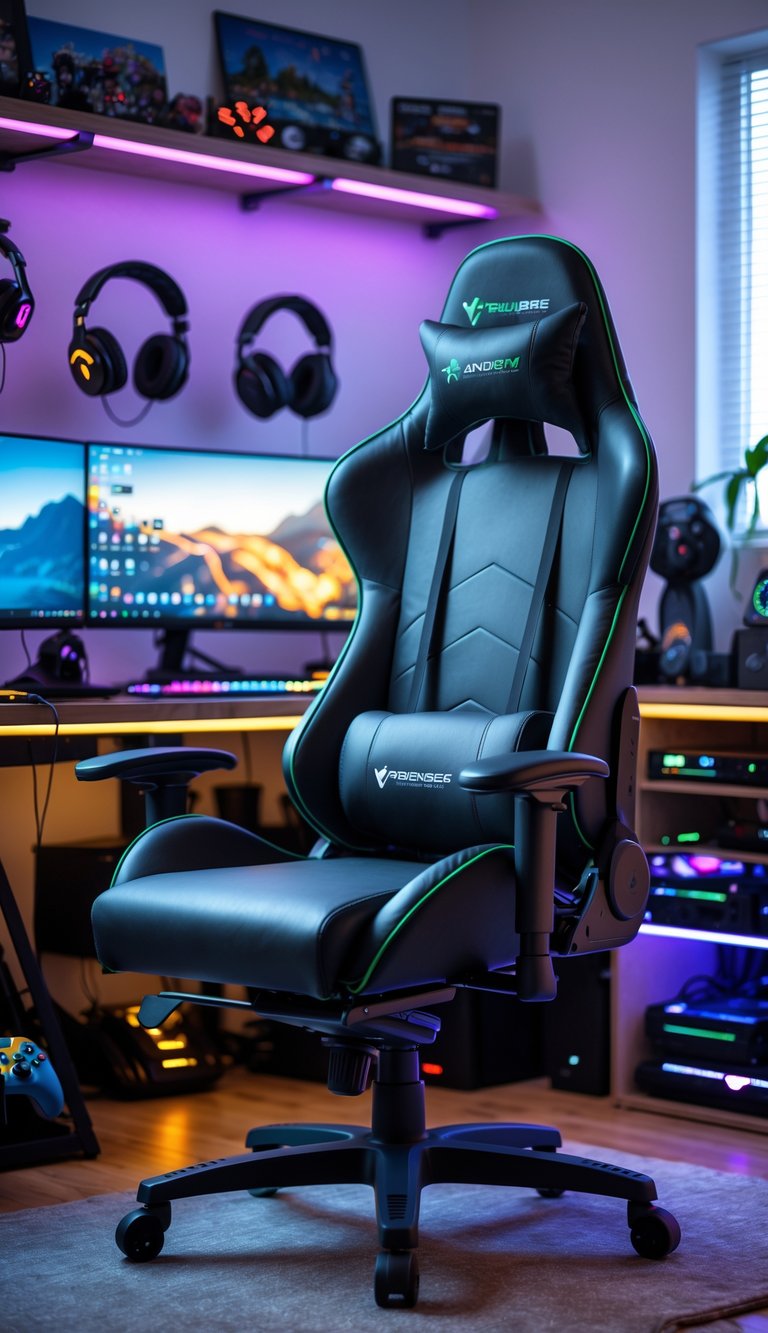
Pick a reclining ergonomic gaming chair to stay comfortable during long summer sessions. Look for good lumbar support and adjustable armrests so you can fine-tune the fit to your body.
A reclining feature helps you switch from intense play to relaxed movie time without moving to another seat. Wall-hugger recliners save space and need only a few inches of clearance, which works well in smaller rooms.
Choose breathable materials like mesh or perforated leather to avoid overheating. If you play late, a chair with a separate ottoman or removable footrest gives more flexibility for naps and breaks.
PRO TIP
Test the chair for at least 10–15 minutes before you buy, or choose a seller with a good return policy.
6) Mount a 75-inch 4K HDR smart TV
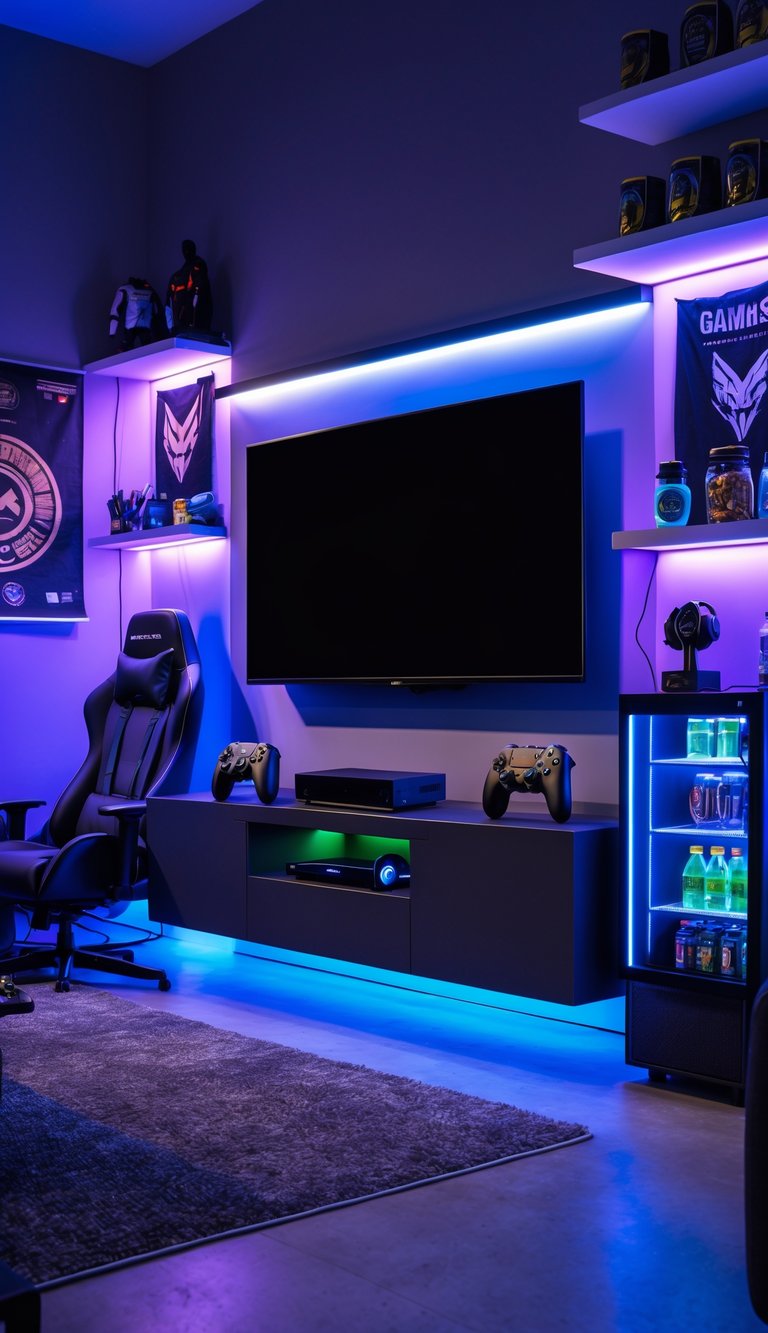
A 75-inch 4K HDR TV gives your man cave a big, clear picture for games and movies. Mounting it frees floor space and keeps cables tidy so your setup looks sharp.
Choose a mount that supports the TV’s weight and VESA pattern. Full-motion mounts let you swivel and tilt the screen for the best view from gaming chairs or couches.
Find studs or use proper anchors for drywall installation to keep the TV secure. Hide cables with a channel or behind the wall for a cleaner look and easier device access.
PRO TIP
Measure eye level from your main seating to the TV center before mounting. That small step prevents neck strain and improves every gaming session.
7) Use soundproofing panels for better acoustics
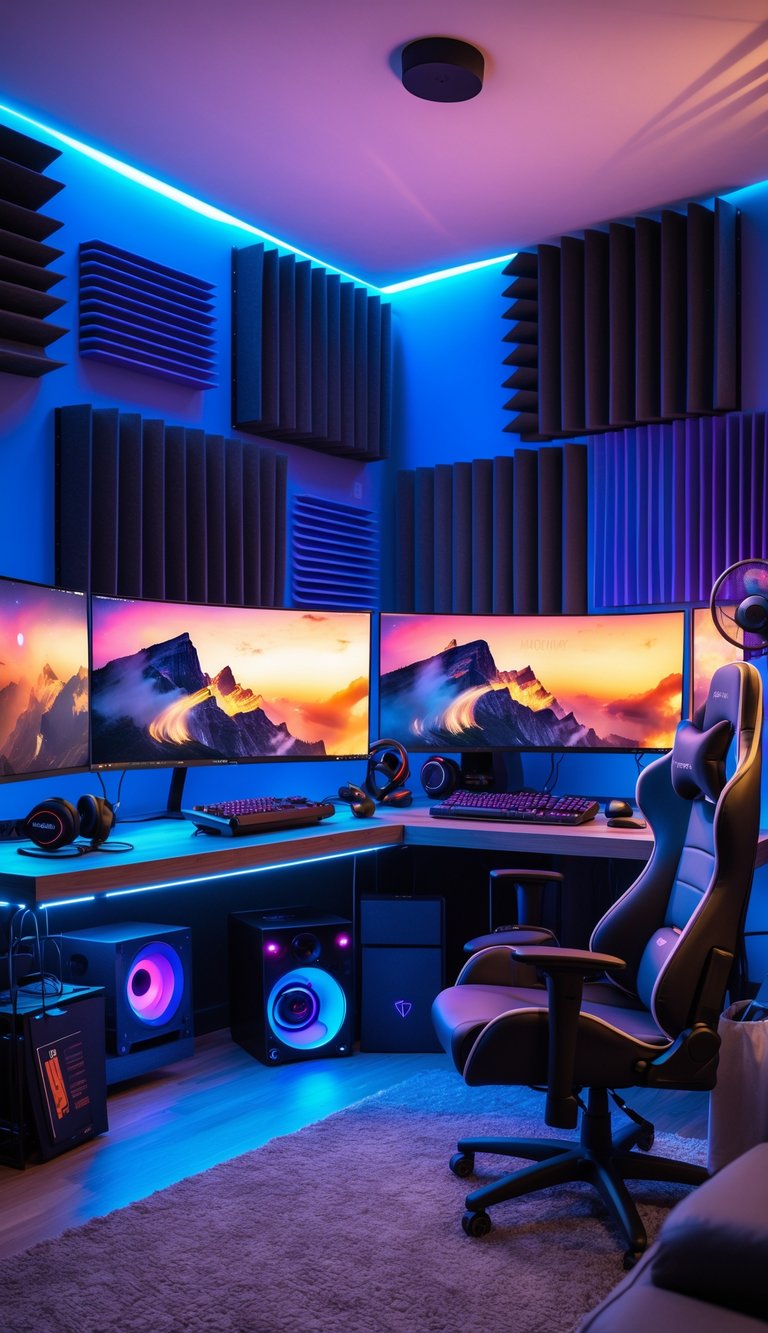
Soundproofing panels cut echoes and make game audio clearer. You’ll hear footsteps, dialogue, and music with less muddiness, which helps immersion.
Place panels on walls and near speakers to absorb reflections. Focus on first-reflection points and corners for bass traps if low rumble bothers you.
Treat doors and windows with seals and heavy curtains to block outside noise. That keeps loud scenes from spilling into the house and stops outside sounds from pulling you out of the game.
PRO TIP
Try fabric-wrapped panels or DIY frames with rockwool for a budget-friendly option. Match panel placement to your chair and TV or monitor location for the best results.
8) Incorporate neon-themed wall art
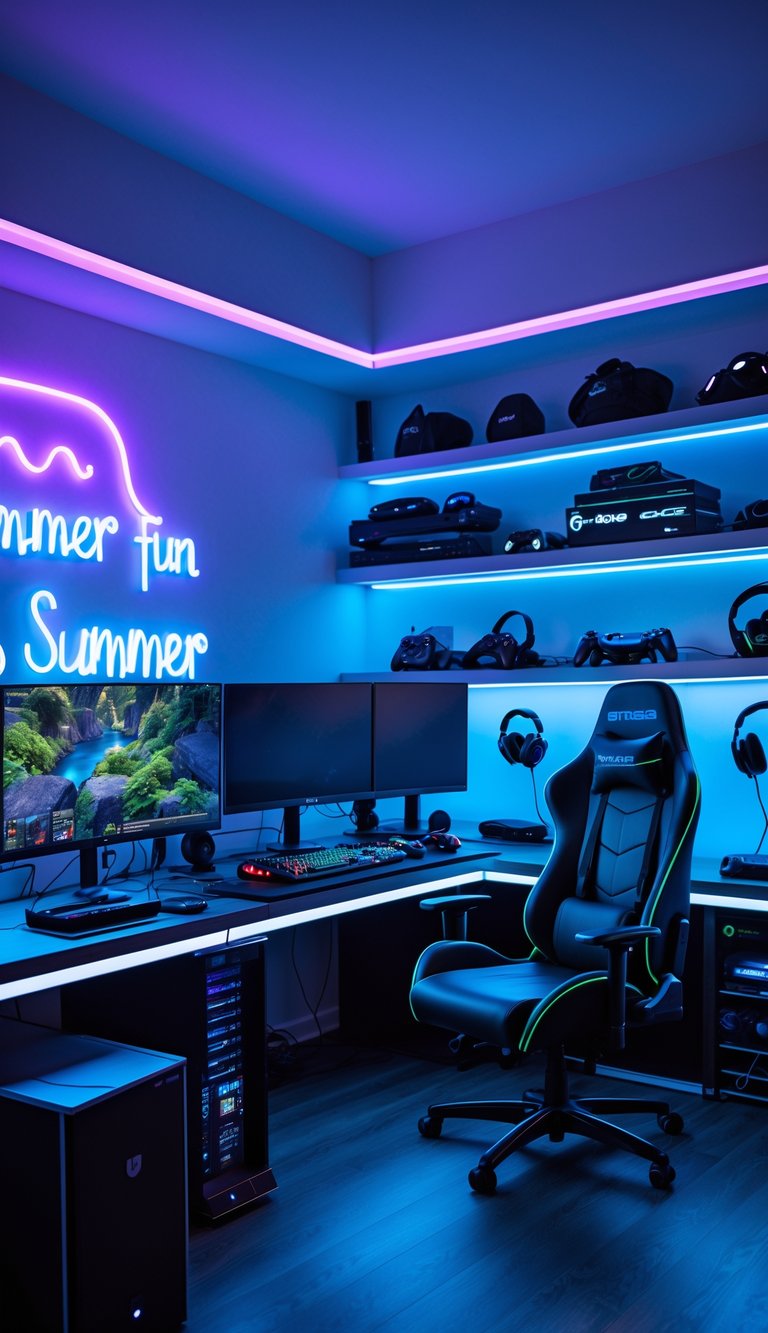
Neon wall art brings color and a cool vibe to your man cave without taking up floor space. You can add a custom neon sign with your gamertag or a favorite game logo to make the room feel personal.
Mix neon strips with framed prints or memorabilia to balance glow and texture. LED neon alternatives save energy and stay cool, which helps during hot summer gaming sessions.
Place neon behind your monitor or along a shelf to create soft backlighting and reduce eye strain. Keep wiring tidy and use dimmers so you can change the mood for daytime play or late-night streams.
PRO TIP
Choose colors that match your main lighting scheme and test placements with removable hooks before mounting permanently.
9) Add a mini fridge stocked with summer drinks
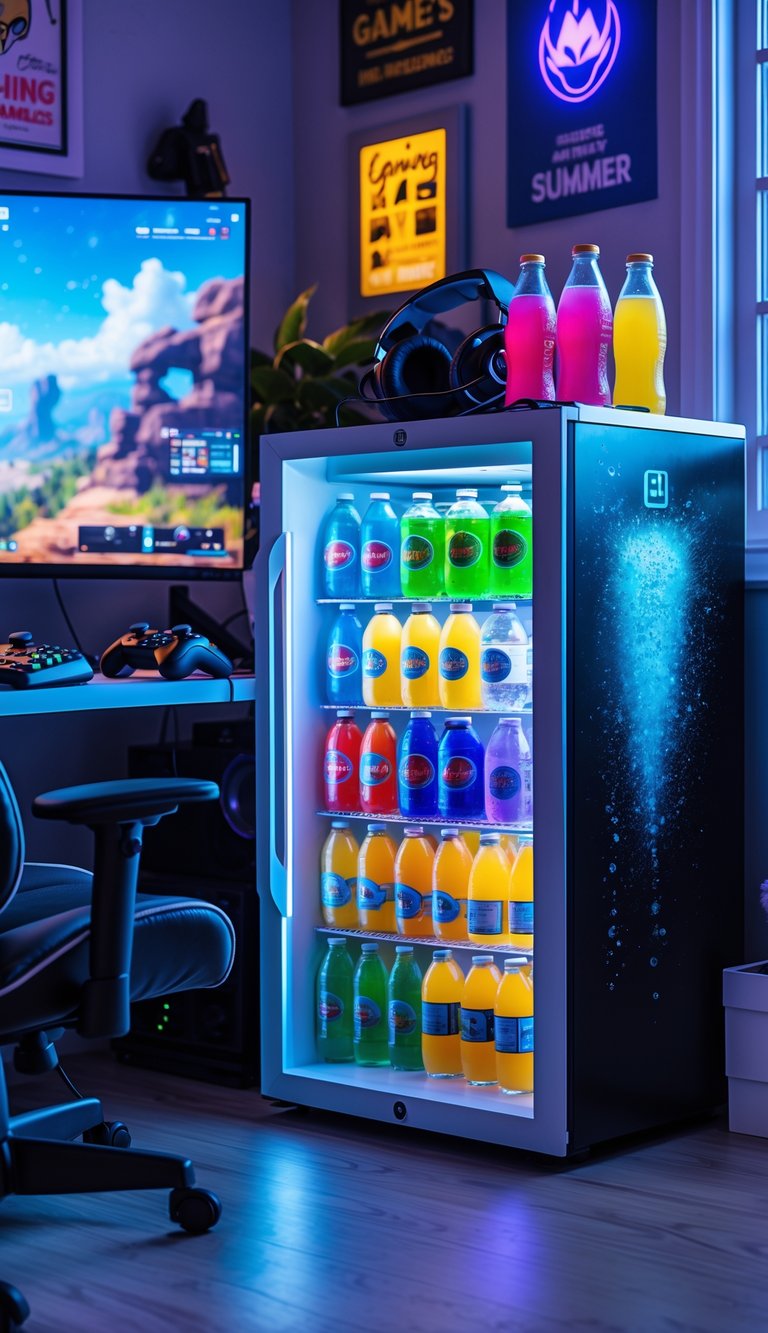
A mini fridge keeps cold drinks and snacks within arm’s reach during long gaming sessions. Place it near your chair so you don’t have to pause the game to grab a drink.
Choose a model with LED lighting or a glass door to match your room’s style. Keep a mix of water, sports drinks, and a few sodas or beers so guests have choices.
Stock easy, spill-proof containers and quick snacks like fruit cups. Clean and organize shelves to avoid sticky messes and wasted space.
PRO TIP
Set the temperature a bit colder than room temp for cans, but warmer than freezer level for bottled water to avoid overcooling.
10) Use blackout curtains to control lighting
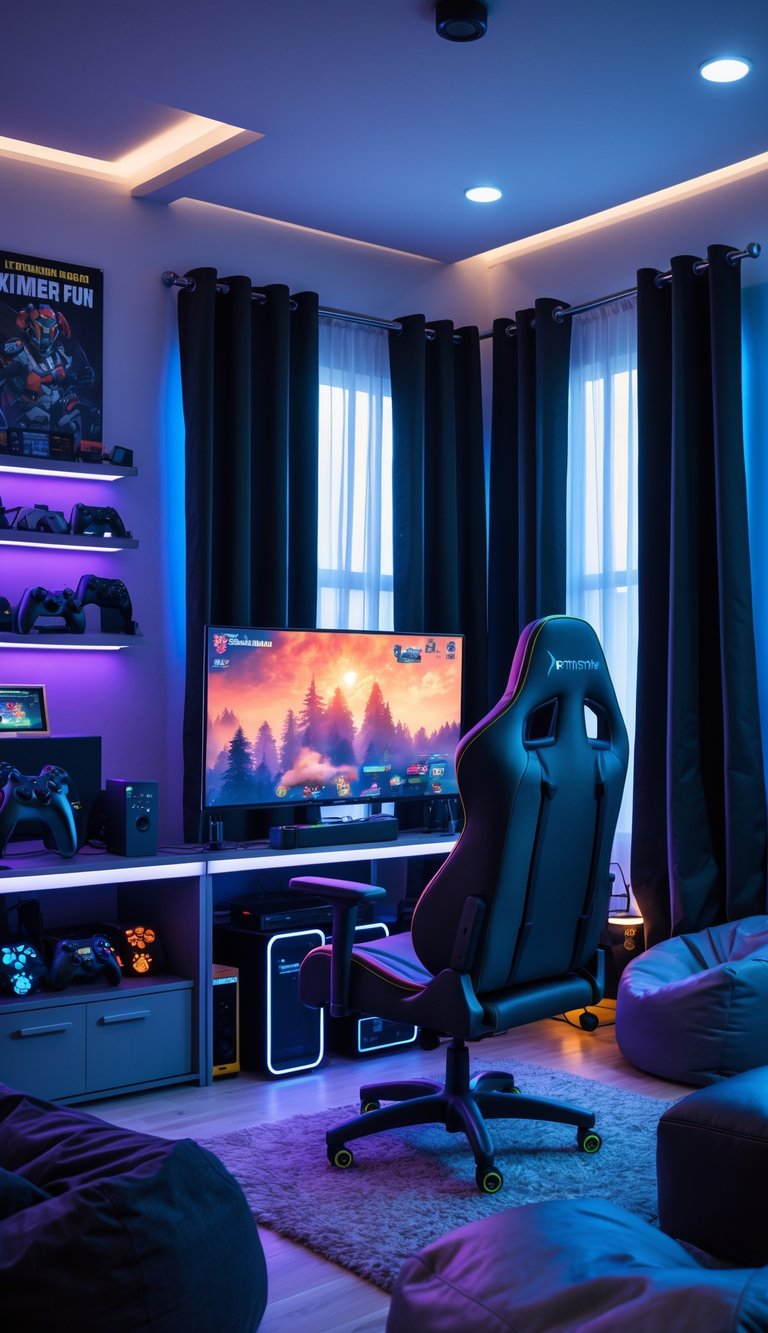
Blackout curtains give you power over light. You can block glare on screens during bright summer afternoons and keep the room dark for movie nights or streaming sessions.
They also help keep the room cooler by reducing sun heat. That can lower fan or AC use and make long gaming sessions more comfortable.
Pick curtains that match your room’s style and measurement. Floor-to-ceiling panels look polished, while heavier fabrics reduce noise and light better.
PRO TIP
Mount the rod a few inches above the window and extend it past the frame. That small step stops stray light and makes the room feel more sealed for better immersion.
11) Set up a custom poker table for game nights
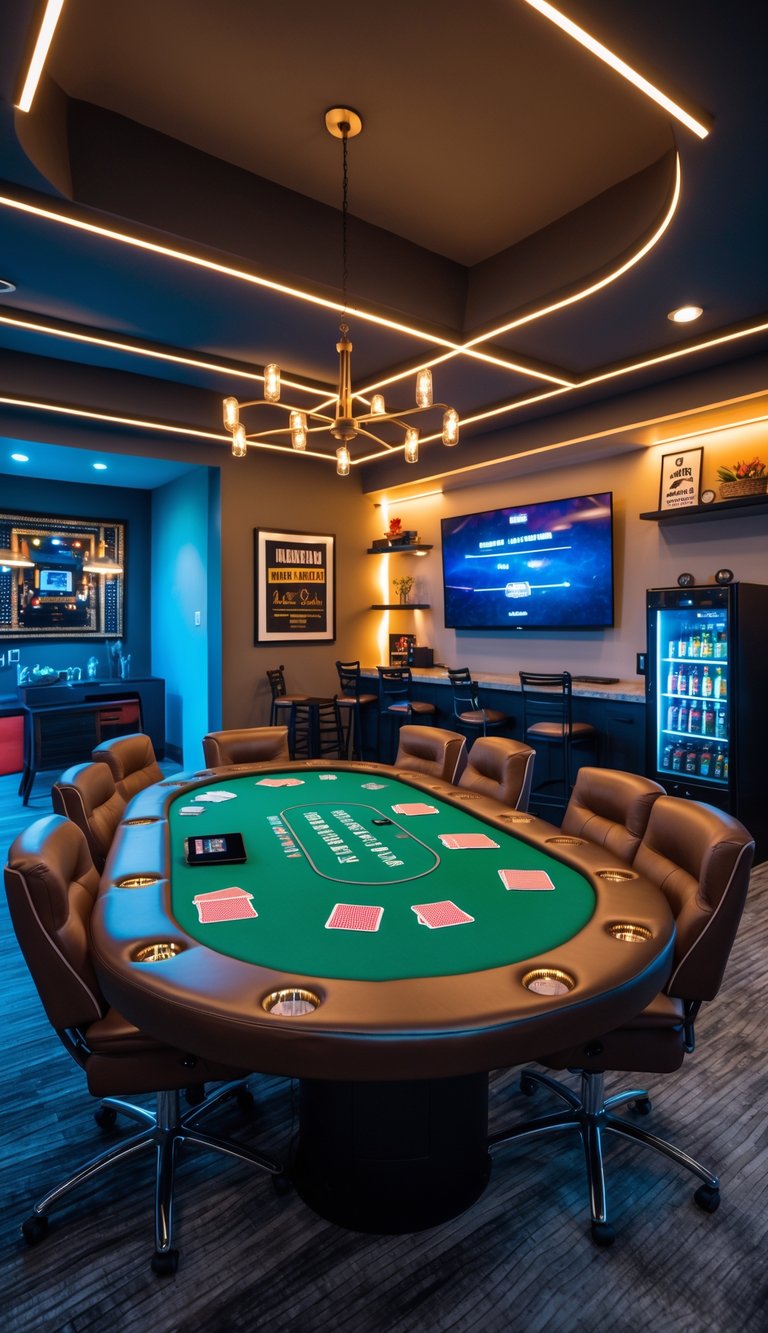
A custom poker table gives your man cave a real gathering spot. Pick a size that fits the room and your usual player count so everyone has enough elbow room.
Choose felt color and rail padding for comfort during long hands. Add cup holders and chip trays to keep drinks and stacks organized.
Consider built-in LED lighting or a removable top if you need the table for other games. You can use a folding base or casters to move it out when you need space.
PRO TIP
Use high-density foam under the felt for better feel, and test chair height so players sit comfortably at the rail.
12) Include wireless charging stations for devices
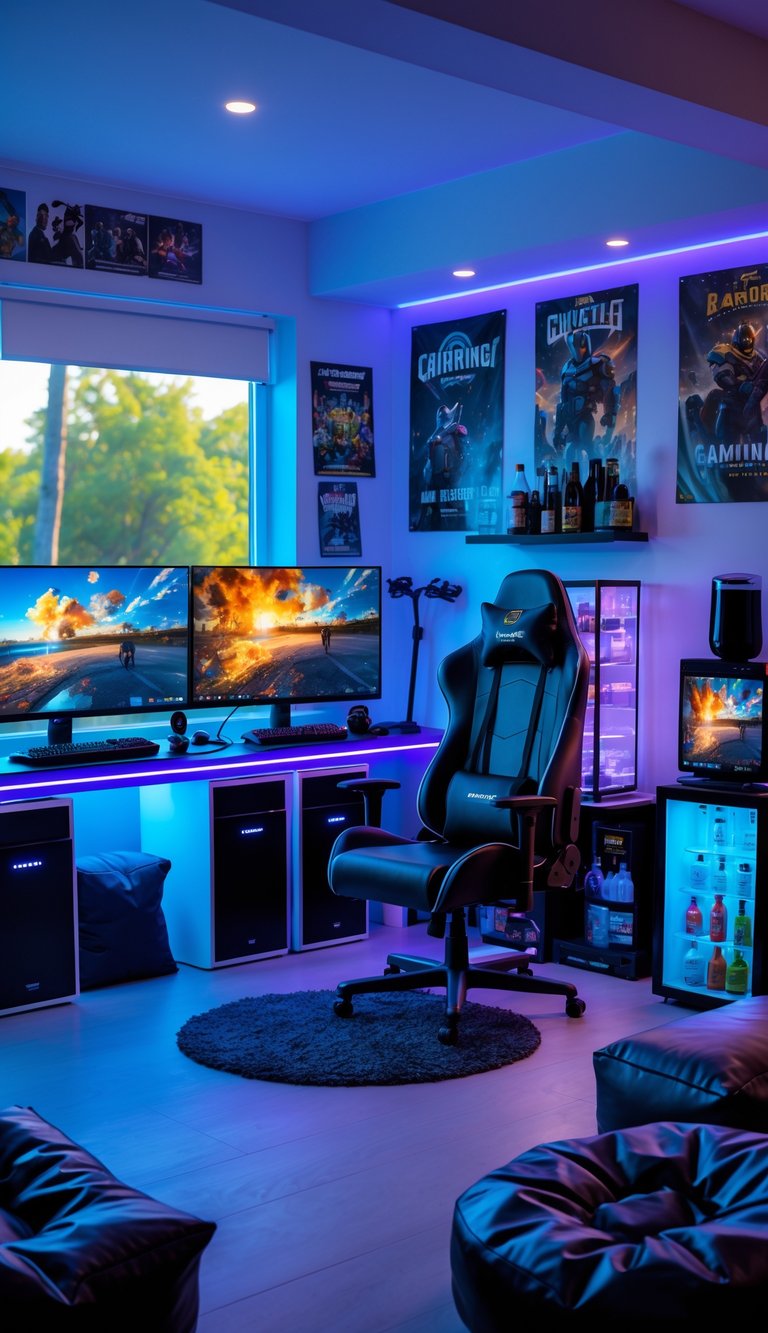
Keep wireless chargers within easy reach of seating and gaming stations. You want your phone, earbuds, and controllers ready without digging through bags or finding cords.
Place a few chargers on side tables and near the main console. A charger built into a desk or armrest stays tidy and cuts down on cable clutter.
Choose chargers that support multiple devices or fast charging for convenience. Look for models with non-slip surfaces so devices stay put during intense sessions.
PRO TIP
Label a charging spot for guests so everyone knows where to set their gear. A small tray or light can make the spot obvious and feel welcoming.
13) Add game-themed throw pillows and blankets
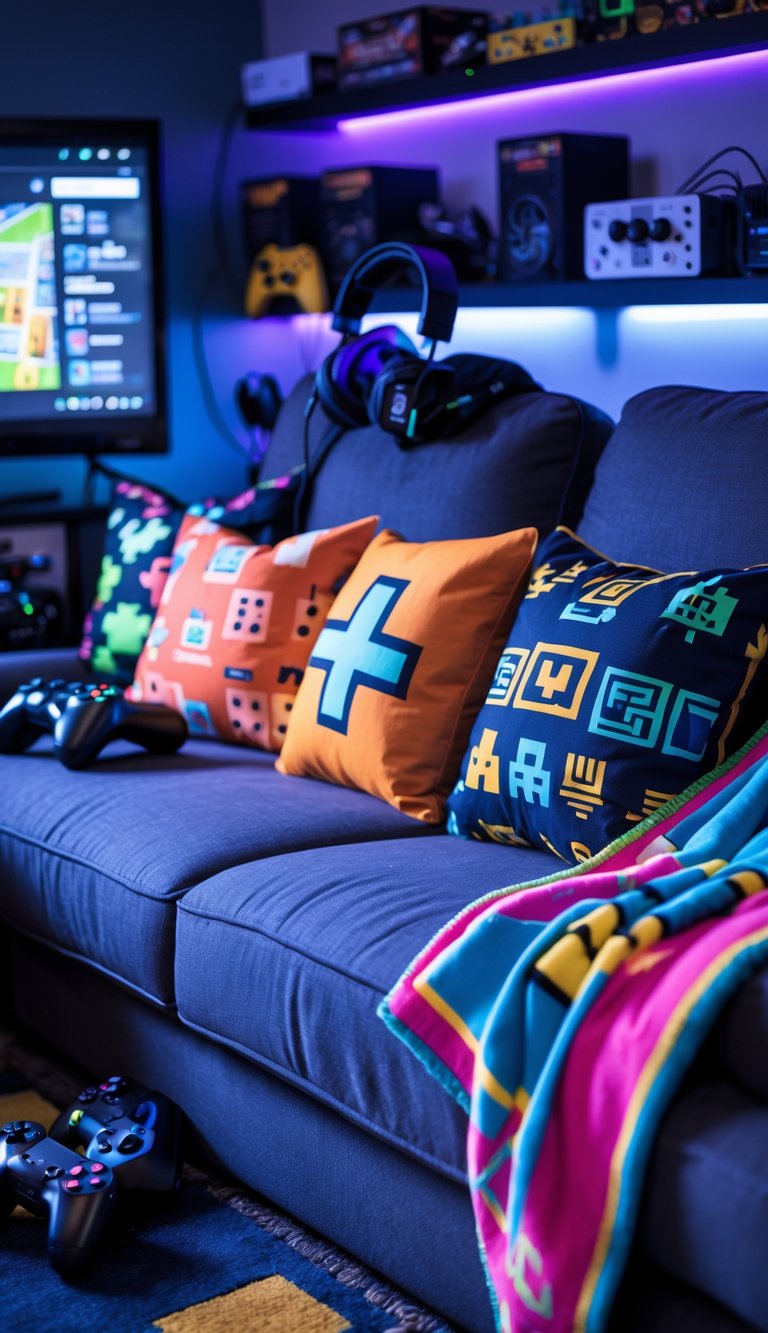
Pillows and blankets make your space softer and more inviting. Choose cushions with controller prints, pixel art, or favorite game logos to show your style without spending much.
Mix sizes and textures for a layered, cozy look. Use fleece or sherpa blankets for warmth on cool summer nights and lighter cotton throws for daytime comfort.
Place pillows on couches, bean bags, or window seats so guests can relax between matches. Keep an extra blanket folded nearby for late-night sessions or outdoor movie nights.
PRO TIP
Buy removable covers for easy washing and swap designs seasonally to refresh the room. Pick durable, fade-resistant fabrics to handle high use and frequent cleaning.
14) Install smart lighting with voice control
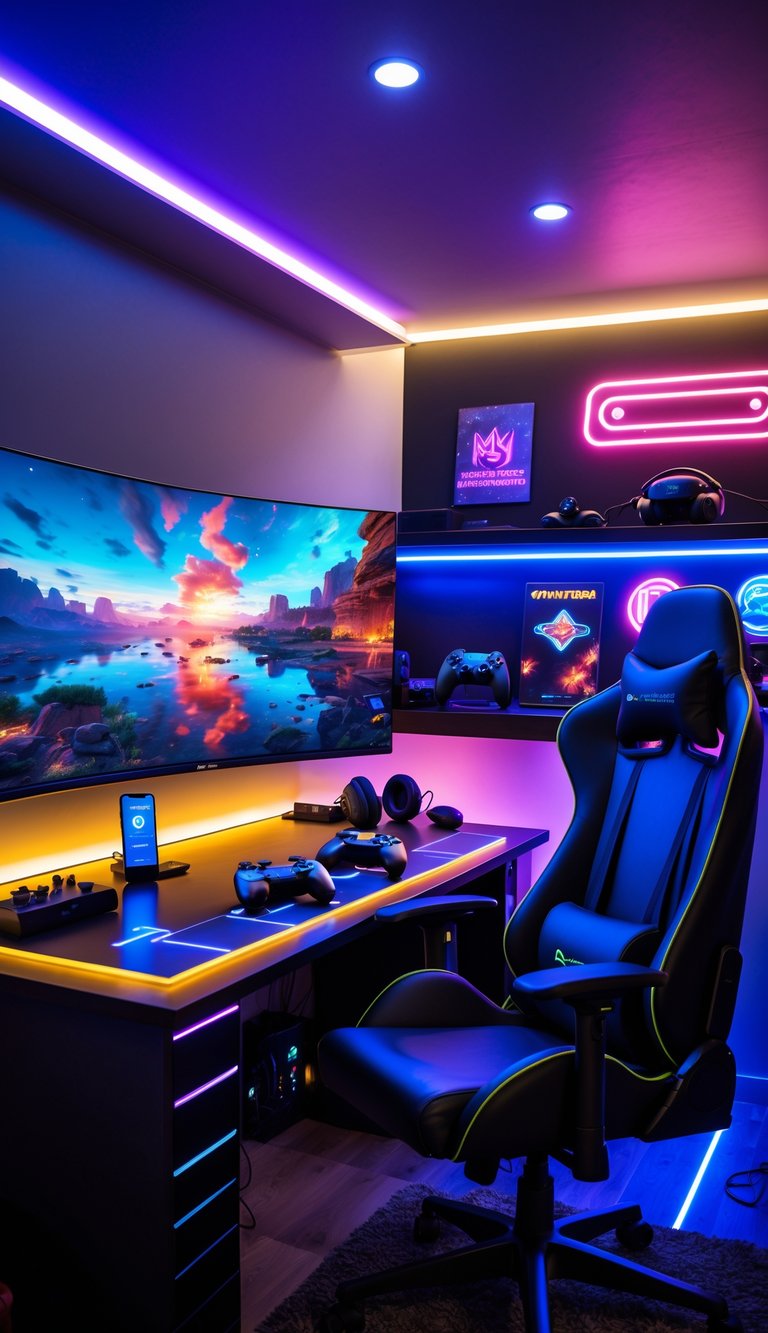
Smart lights let you change mood and brightness without leaving your seat. You can dim the room for movies, brighten for board games, or set color scenes for parties.
Use voice control so you can call lights on or off while hands are busy with a controller or snack. Most systems work with smart speakers and phones, so setup is simple and quick.
Pick dimmable recessed lights for clean overhead lighting, and add accent strips or panels for color and depth. Affordable brands offer reliable options, so you don’t have to overspend to get good control.
PRO TIP
Group lights into zones like TV, bar, and gaming desk to switch scenes fast.
15) Create a dedicated VR gaming zone
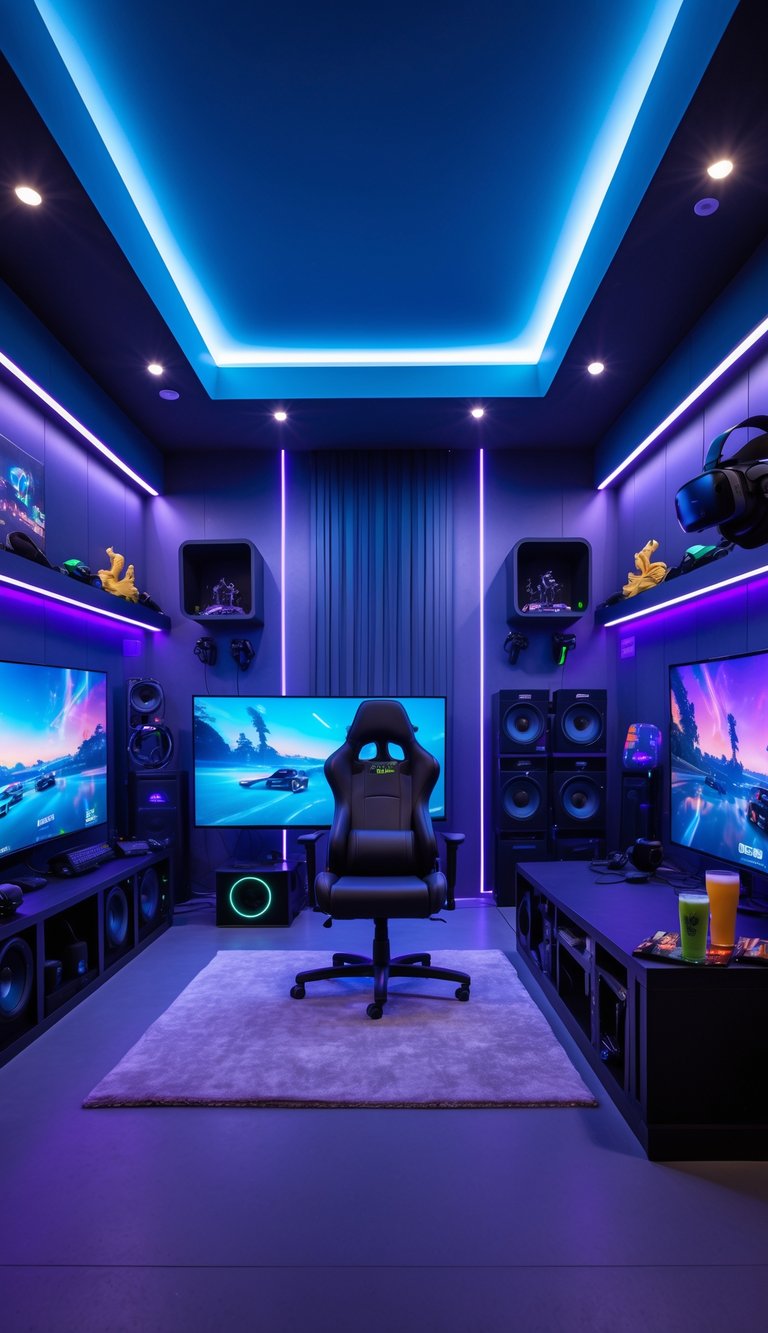
Set aside a clear, open space just for VR. You need room to move safely, so remove low furniture and secure loose rugs.
Use soft, even lighting to cut glare on headset lenses. Add blackout curtains if sunlight causes tracking problems.
Mount cable management above or use a wireless adapter to keep cords off the floor. This reduces trips and keeps your play area tidy.
Place a small shelf or cabinet nearby for controllers, chargers, and wipes. Keep a fan or small air mover to stay cool during long sessions.
PRO TIP
Mark your play boundary with tape or floor mats so you always know your safe zone.